Choosing the right PDC drill bit is key to drilling efficiency. The wrong design can mean slow ROP, fast wear, and poor control. This guide explains blade count, cutter size, and layout so you can match the right bit to your formation and cut costs.
Understanding The Basics Of PDC Drill Bit Design
What Blade Count Means And Why It Matters
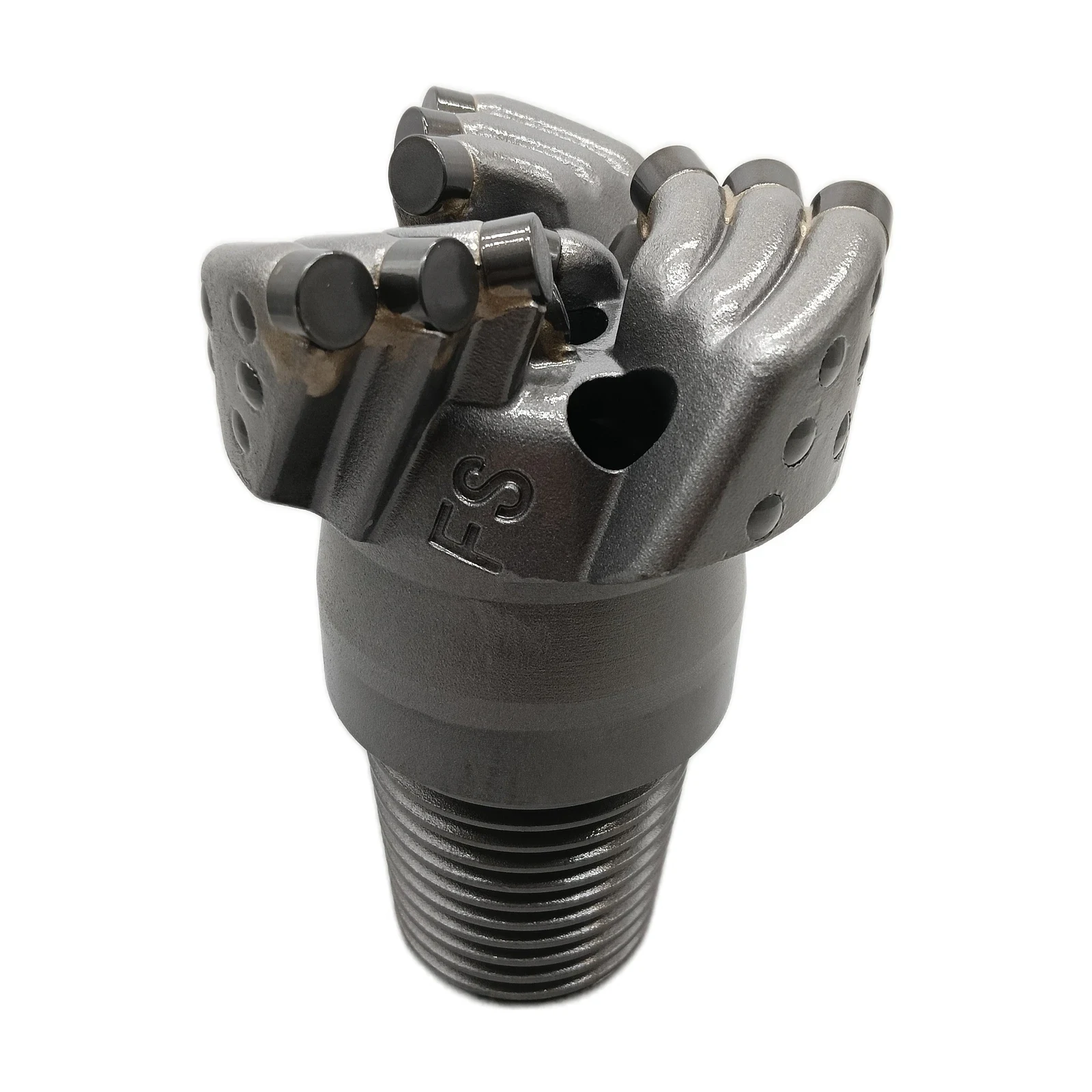
Blade count refers to the number of blades that hold the cutters on the face of the bit. It’s one of the first things you notice about a PDC drill bit, and it has a big impact on how the bit behaves.
- Fewer blades (3–4): These bits are more aggressive. They cut faster and achieve higher ROP because the cutters engage the formation more directly. However, fewer blades mean less structural support, so stability and durability are lower. These designs are common in soft to medium formations where penetration rate is the priority.
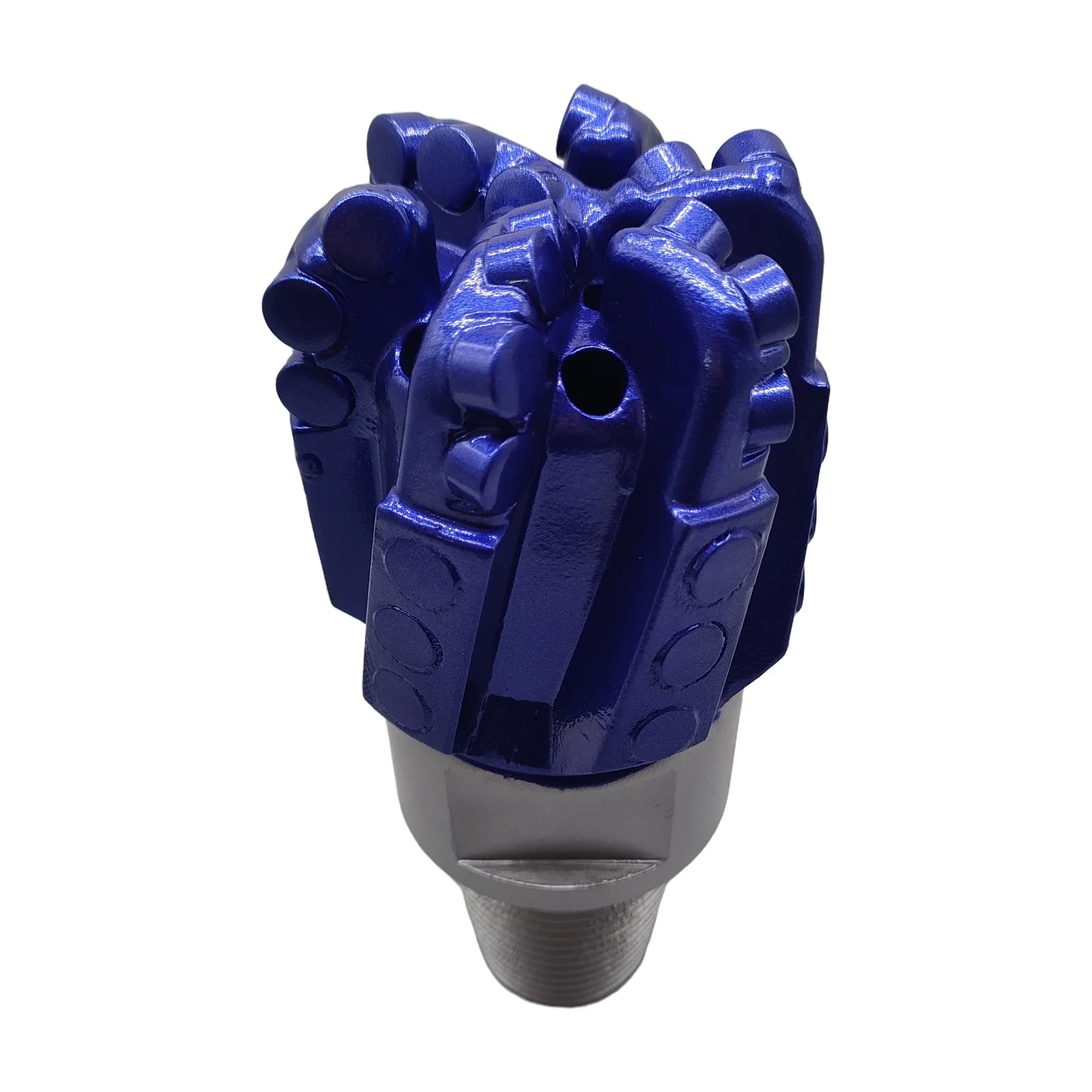
- More blades (5–7+): These provide more support for the cutters and distribute the cutting load evenly. That makes them smoother, more stable, and longer-lasting, but usually at the cost of ROP. These bits are ideal for hard or abrasive formations where durability and stability matter more than speed.
What Cutter Size Refers To
Cutter size refers to the diameter of the PDC cutters, usually measured in millimeters (13 mm, 16 mm, 19 mm). Cutter size directly affects how much rock is removed with each revolution.
- Larger cutters (16–19 mm): These cutters take a bigger bite out of the rock. They are excellent in soft to medium formations where penetration speed is critical. But they create higher torque, and in harder formations they can chip or wear out quickly.
- Smaller cutters (13–16 mm): These spread the cutting load across more contact points, which makes them stronger and more resistant to chipping in hard or abrasive formations. They typically cut slower, but they last longer and provide smoother torque.
Some advanced bits, like a high-performance PDC crown core bit, use a mix of cutter sizes. This combination allows the bit to drill efficiently while handling abrasive formations without losing durability.
What Cutter Layout Is And How It Works
Cutter layout refers to how cutters are positioned and oriented on the bit face. It may sound like a detail, but layout determines how the bit interacts with the formation and how predictable its performance will be.
- Back rake: Less back rake makes the bit sharper and more aggressive, cutting faster but wearing sooner. More back rake makes it tougher and longer-lasting, but slower.
- Spacing and spiral patterns: A well-spaced, spiral cutter layout ensures that each cutter takes a controlled slice, reducing torque spikes and vibration. Poor spacing can cause uneven cutting and higher vibration.
- Gauge design: Longer gauges provide stability in vertical wells, helping keep the bit straight. Shorter or relieved gauges improve steerability in directional drilling by reducing sidewall drag.
Related Reading: Working Principle and Characteristics of PDC Drill Bit

Common Pain Points And How To Solve Them
Balancing Rate Of Penetration And Durability
Pain point: Pushing for fast ROP often causes cutters to wear out too quickly, leading to trips and downtime.
Solution:
- In soft formations → use fewer blades with larger cutters to maximize penetration.
- In hard formations → use more blades with smaller cutters for stability and longer life.
Controlling Directional Drilling And Toolface Stability
Pain point: Aggressive bits can be difficult to steer, especially in directional wells. They fight the toolface and make build or turn rates harder to achieve.
Solution:
- Use relieved or shorter gauges to improve steerability.
- Choose moderate cutter aggressiveness instead of an ultra-aggressive layout.
- Add DOC (depth of cut) limiters to prevent cutters from digging in too deep.
Avoiding Bit Balling And Poor Cleaning
Pain point: In shales and sticky formations, cuttings can clog the bit, slowing penetration and overheating cutters.
Solution:
- Increase flow rate and optimize nozzle placement to clear cuttings effectively.
- Use mud additives or coatings that reduce balling.
- Adjust WOB and RPM to maintain clean cutting action.
Reducing Vibration, Stick-Slip, And Torque Spikes
Pain point: Unstable drilling dynamics like stick-slip and bit whirl damage cutters, slow drilling, and even cause BHA failures.
Solution:
- Increase blade count and balance the cutter layout for smoother torque.
- Use anti-whirl pads or near-bit stabilizers to reduce vibration.
- Match WOB and RPM carefully to stay within the bit’s operating window.
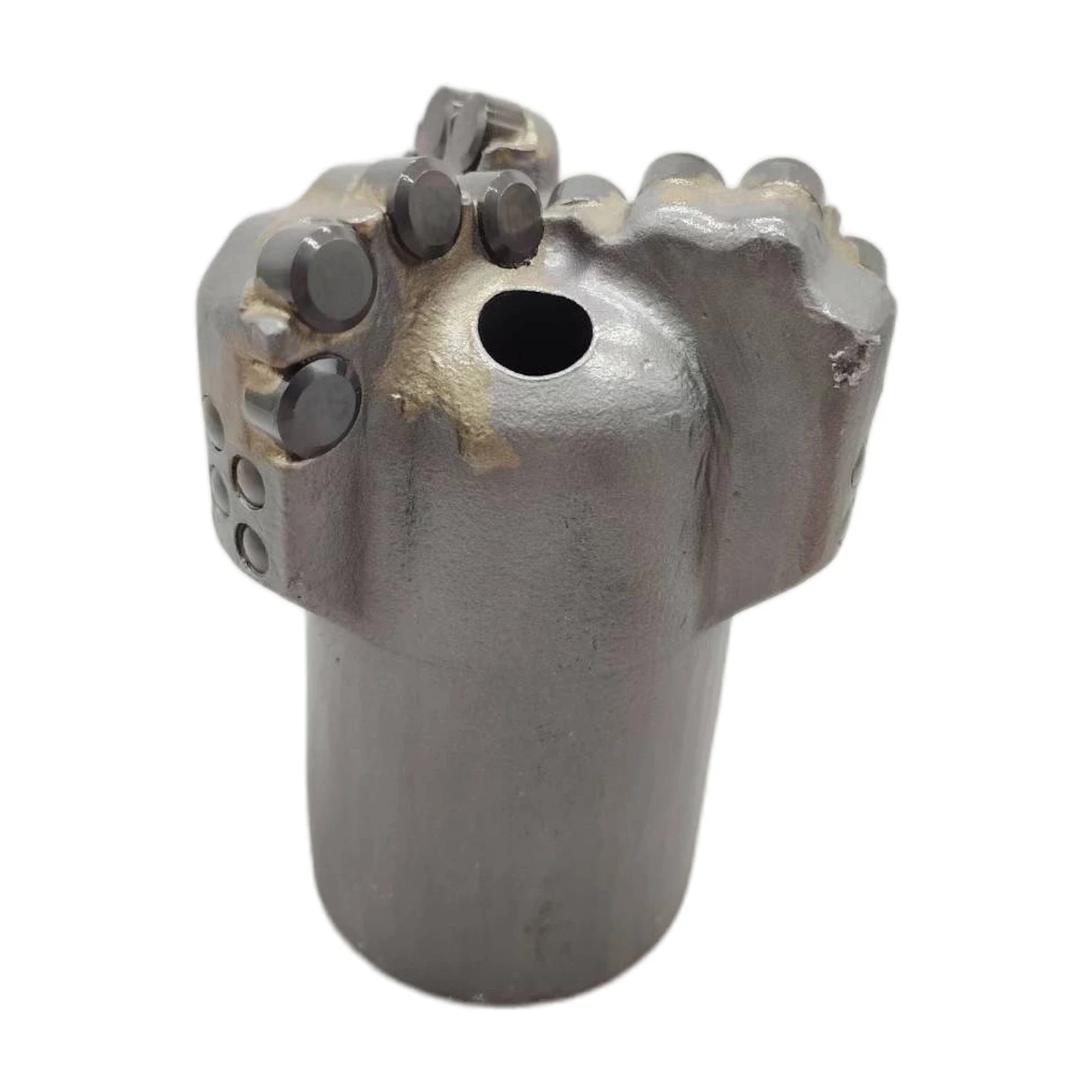
In shallow wells or abrasive formations like limestone and sandstone, a PDC Scraper Bit is often the most economical choice. It’s built from durable alloy steel, works across a wide borehole range (75–500 mm), and runs efficiently at standard speeds, offering both toughness and cost savings.
Practical Tips For Matching Bit Design To Formation
Soft Shales And Clay
- Fewer blades, larger cutters, sharper rake.
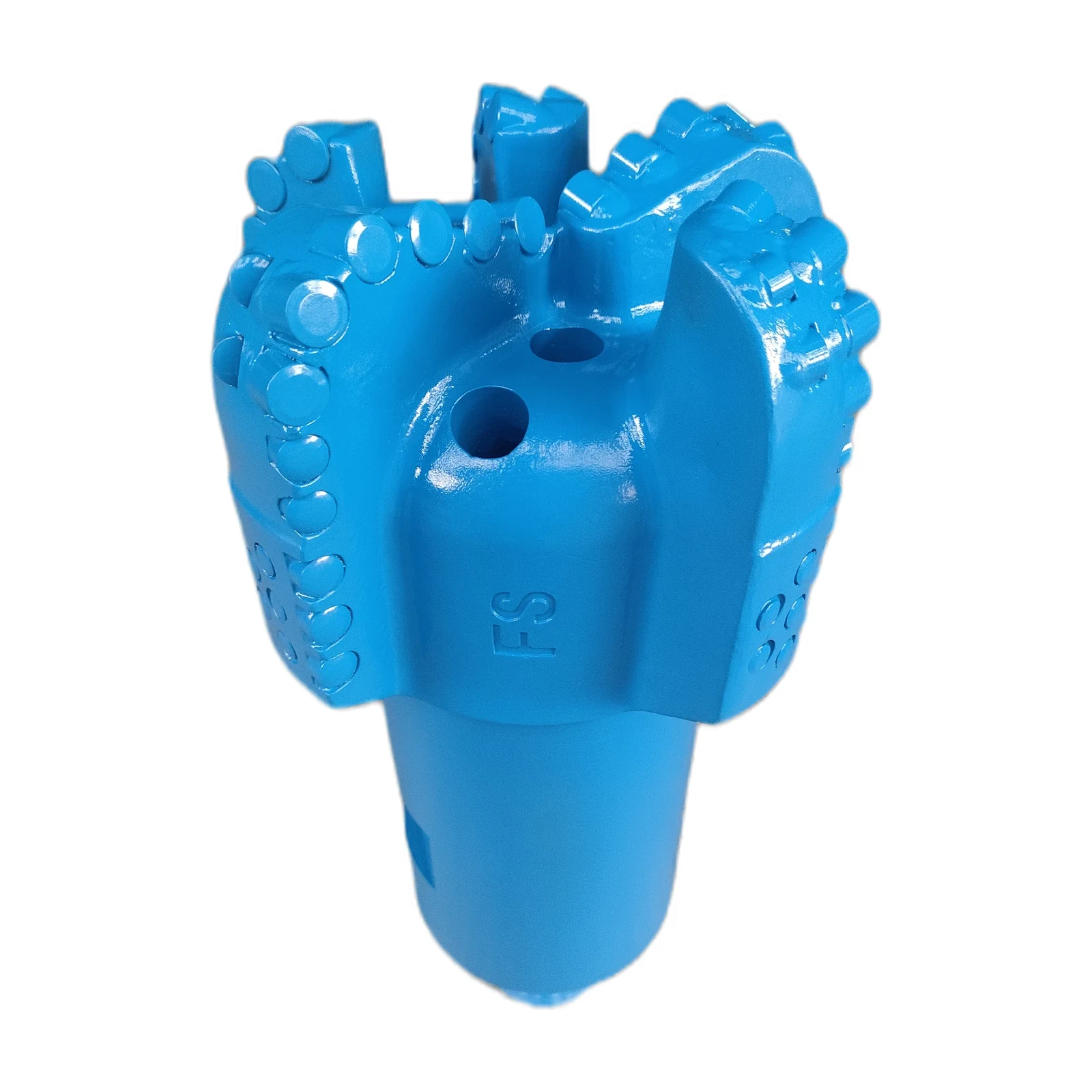
- Example: A 3-Wing Concave Spiral PDC Bit performs well in clay and backfill formations, providing fast penetration while maintaining directional stability.
Hard And Abrasive Rock
- More blades, smaller cutters, higher back rake.
- Example: A PDC Scraper Bit is effective in sandstone or limestone, delivering consistent cutting while being cost-effective for shallow drilling.
Interbedded Formations
- Balanced blade count with backup cutters.
- Moderate aggressiveness and DOC limiters for smoother transitions between layers.
For more choices tailored to different formations, explore PDC Drill Bits to find a design that matches your project requirements.

Best Practices For Optimizing Performance
Adjusting Drilling Parameters
Even the best bit design won’t perform well without proper parameters.
- Step 1: Set WOB carefully to control depth of cut without overloading cutters.
- Step 2: Adjust RPM to minimize stick-slip while maintaining efficiency.
- Step 3: Increase flow rate to cool cutters and clear cuttings.
Tracking And Learning From Bit Runs
Every run provides valuable data.
- Record dull grading after each job.
- Track footage drilled and cost per foot.
- Review offset well data to refine bit selection in future projects.
Frequently Asked Questions
What’s the Best Cutter Size for Most Jobs?
It depends on the formation. Larger cutters are great for fast drilling in soft rock, while smaller cutters excel in hard or abrasive formations where durability is key.
Do More Blades Always Mean Better Performance?
Not always. More blades add stability and extend bit life, but they usually lower ROP. The best choice depends on whether your priority is speed or durability.
How Do I Know If My Bit Layout Is Too Aggressive?
Signs include poor toolface control, torque spikes, or excessive vibration. If you see these, consider a layout with more back rake or a less aggressive gauge.
Can the Wrong Bit Design Increase My Costs?
Yes. Choosing a cheaper, overly aggressive bit that fails early can cost more in trips, downtime, and lost productivity than investing in a well-matched, durable design.
Conclusion
PDC drill bit design is about finding the right balance. Blade count determines aggressiveness versus stability, cutter size influences penetration and durability, and layout fine-tunes control and efficiency.
By matching these elements to your formation, you can drill faster, extend bit life, and reduce costs. For practical solutions built on these principles, explore our PDC Drill Bits — engineered to handle different drilling challenges with efficiency and reliability.